iPhone
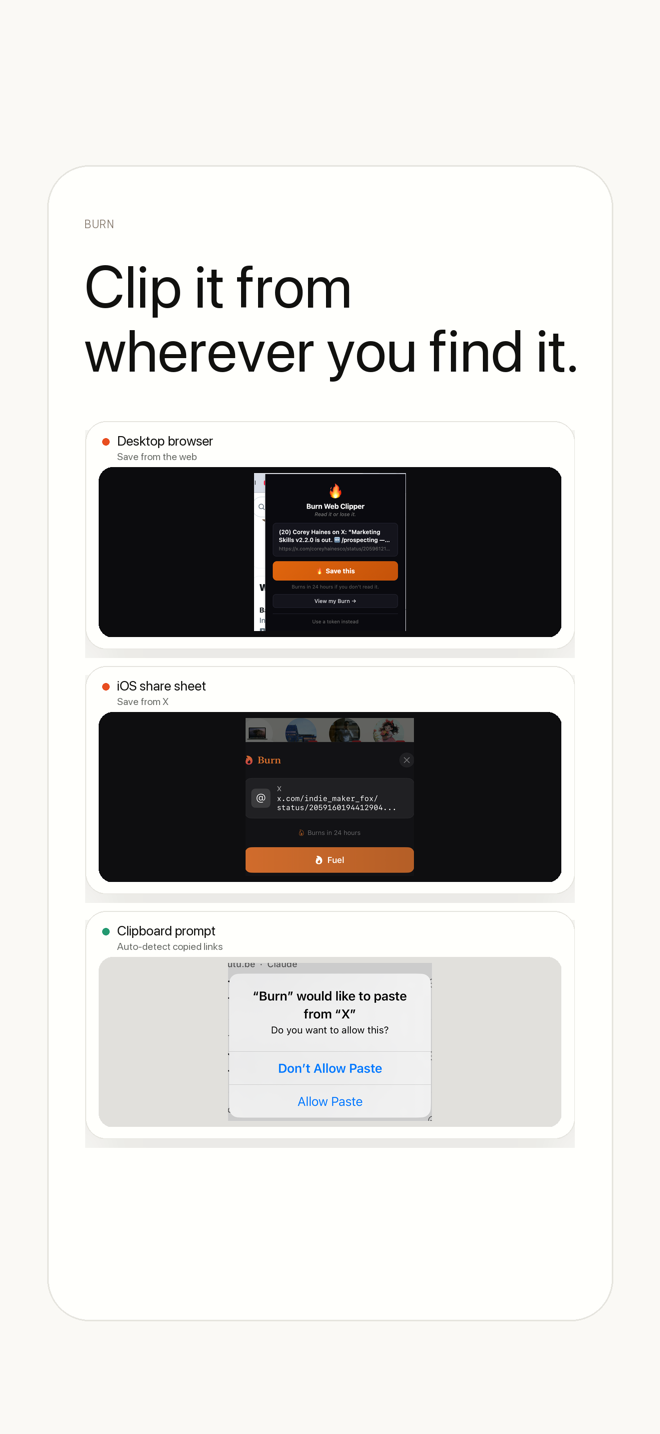
iOS Share Sheet
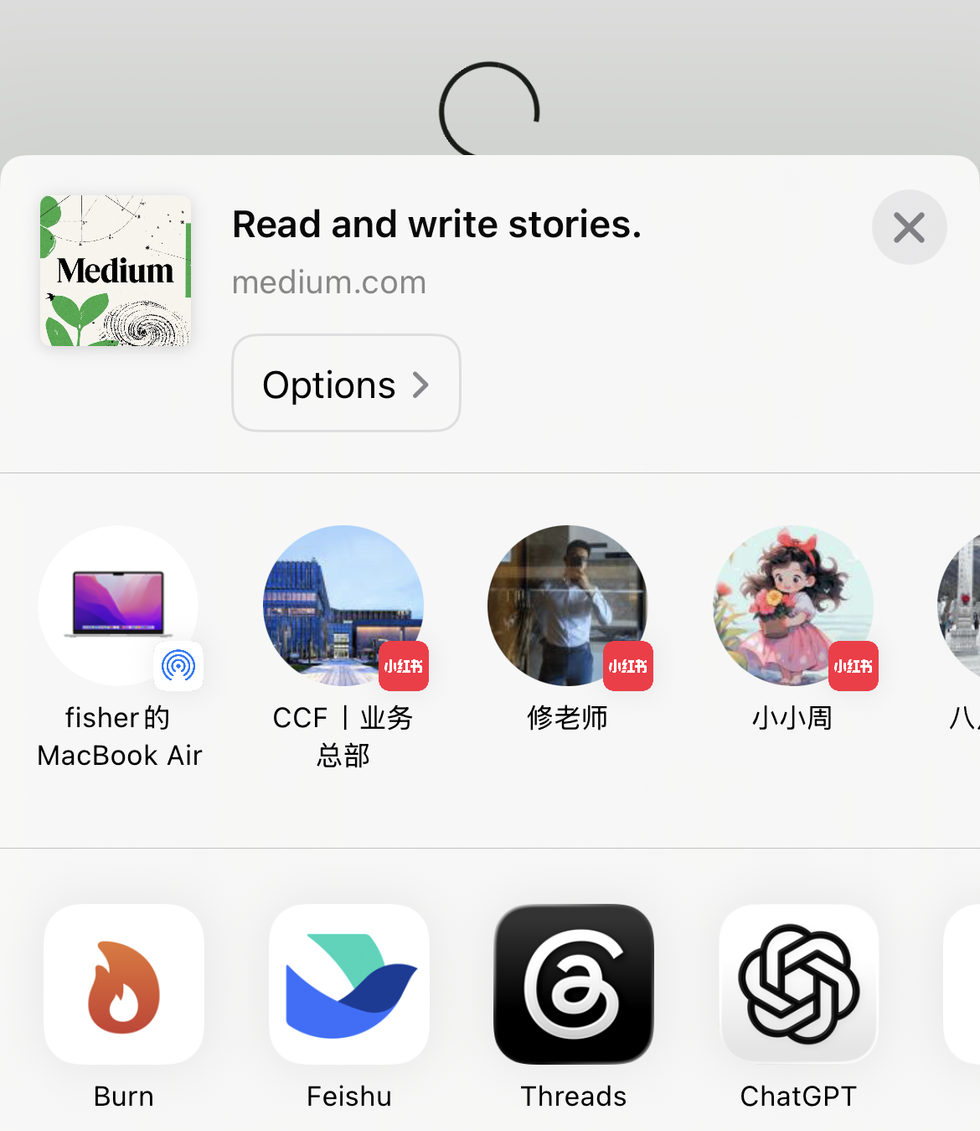
- Action
- Tap the system share button and choose Burn.
- Result
- The current page URL is passed into Burn without copy-paste.
What you never read was never important. Burn 451 puts a 24-hour deadline on every saved link — read it or it burns. What survives becomes an AI-searchable knowledge base for you and your AI tools.
Free to download · or search “burn451” on the App Store
Read first: Best Bookmark Manager 2026 · Best AI Bookmark Manager 2026 · Read It Later App guide · Pocket Replacement 2026
Three stages. One rule: decide or lose it.
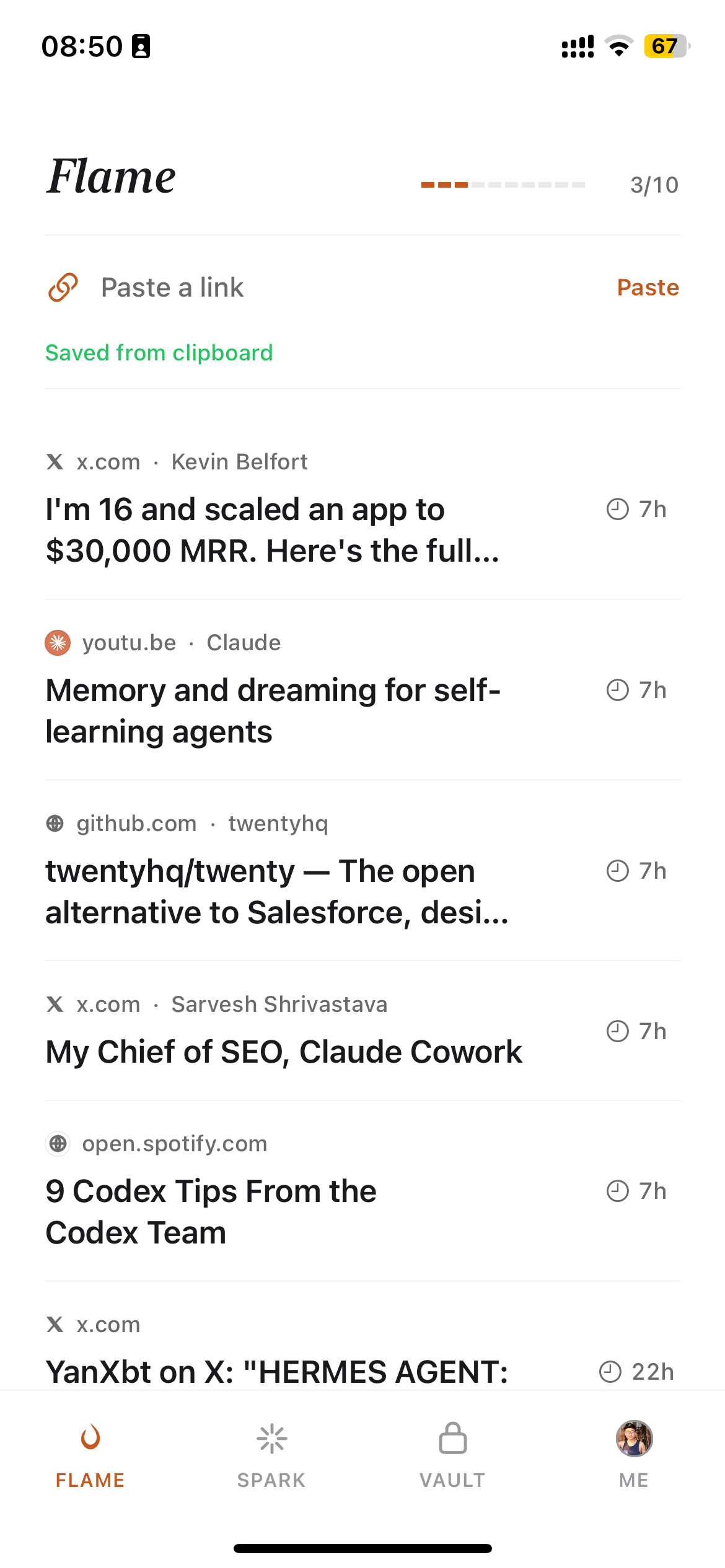
New link saved. You have 24 hours to open it or it burns.
Capture methods
iPhone
A read-later app that forces a decision — and reads what survives.
Save it and the clock starts. Read it or it burns — no more graveyard of links you'll never open.
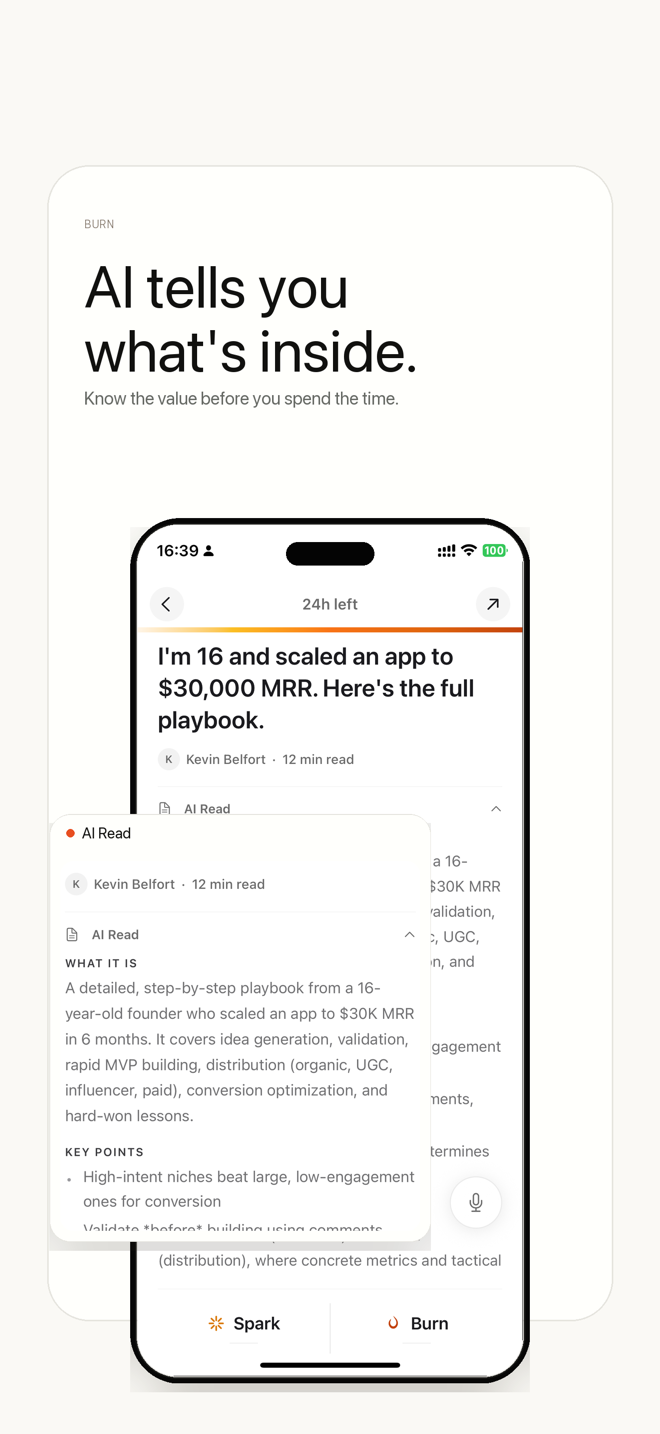
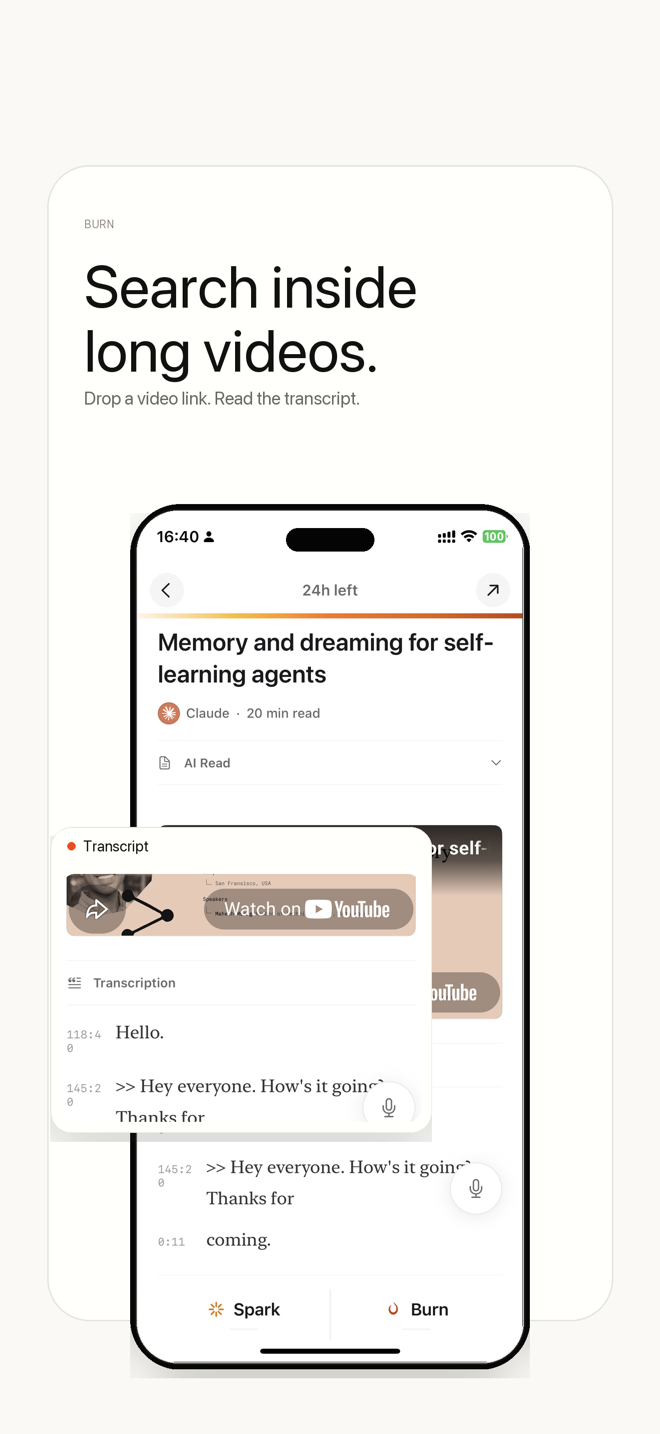
AI summarizes, transcribes, and tags what you save, so the survivors are actually worth keeping.
The core reading flow is free. AI features and unlimited storage are $4.99/mo, with a 7-day trial.
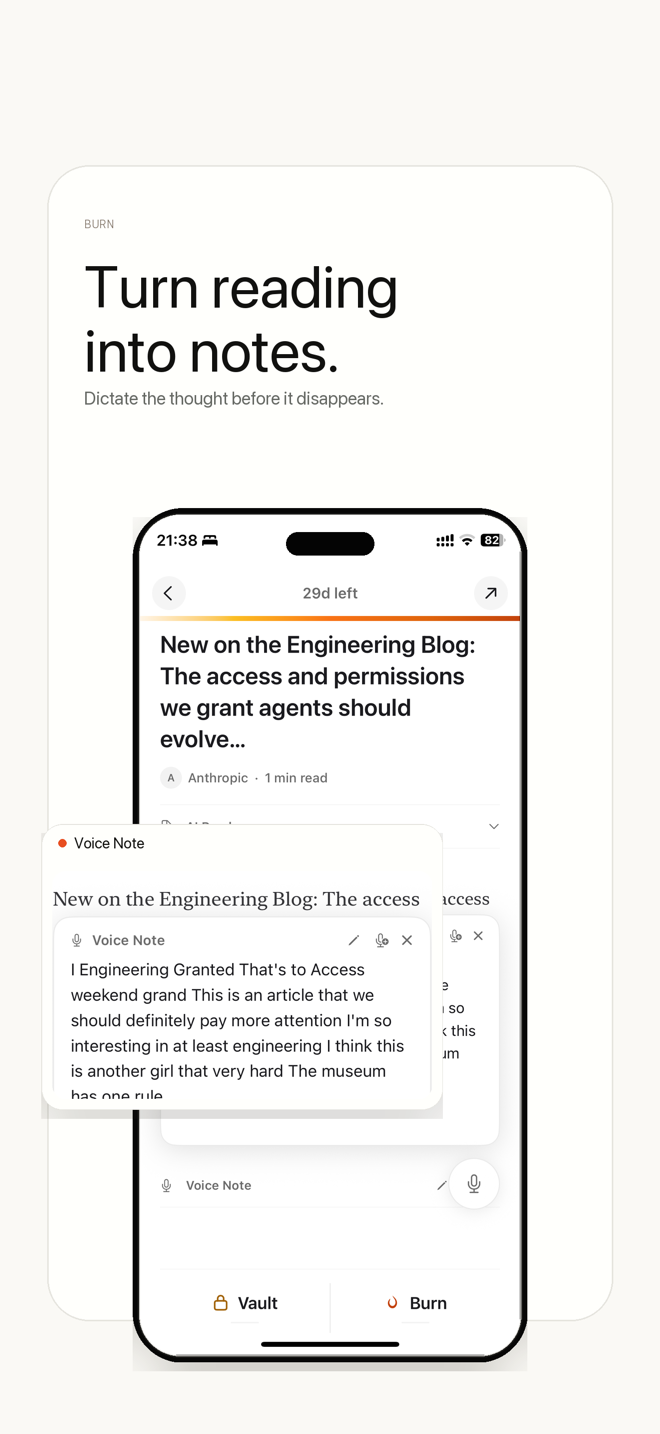
Summaries, transcripts, voice notes, and an AI-queryable vault.
Curious what survives the burn? Explore curated reading vaults →
Switching from another app? See how Burn compares:
Yes — Burn 451 was built for ex-Pocket users. Mozilla shut Pocket down in July 2025, and for most people the Pocket backlog had become a graveyard of saves they never read. Burn answers the opposite problem: instead of storing more, it puts a 24-hour deadline on every saved link so you read it or it burns. If you just want a like-for-like store-everything clone, Instapaper or Raindrop are closer; if your Pocket pile was the problem, Burn is the fix.
You can capture links four everyday ways: iOS Share Sheet, Burn's iOS save sheet, the Burn Chrome Web Clipper for Chrome/Edge/Brave/Arc, and manual URL paste. After capture, Burn fetches readable article text, metadata, and AI fields such as summary, tags, and reading strategy.
No. The extension is the fastest desktop capture method, but it is not required. On iPhone you can save from any app that supports the share sheet. On desktop you can paste a URL into the web app.
Readwise Reader is excellent if you highlight heavily and want spaced-repetition review of those highlights — that is its core strength and Burn does not replace it. Burn 451 is for the save-and-never-read problem: a 24-hour deadline forces triage, AI Read tells you what a link is about before you open it, and it costs less ($4.99/mo vs Readwise's roughly $9.99/mo). Pick Readwise for deep annotation; pick Burn to actually get through your queue.
Partly. Raindrop.io is the best visual bookmark archive, with a genuinely generous free tier and effectively unlimited storage — if you want a permanent, organized library, Raindrop is better and Burn is not trying to replace it. Burn is the opposite philosophy: a read-later app that pressures you to read or let go rather than store forever. Both ship an official MCP server for AI tools.
Both, but read-later first. Burn is a read-later app with a permanent Vault — not a folder-based bookmark manager for storing links indefinitely. If you save articles to read and never get to them, Burn fits. If you mainly want to organize thousands of links into folders forever, a traditional bookmark manager like Raindrop or your browser's built-in manager fits better.
The core reading flow is free — the 24-hour timer, Spark, Vault, MCP server, and Chrome extension, with no ads and no data selling. The AI features — AI Read summaries, voice notes, YouTube transcripts, full-text search, unlimited Vault, and Markdown export — are $4.99/mo or $48/yr, with a 7-day free trial.
Every link you save enters the Flame zone with a 24-hour countdown. Before it burns you choose: open it and it moves to Spark for 30 more days, vault it permanently, or let it burn to Ash. The deadline solves the core hoarding problem — about 94% of saved bookmarks are never reopened.
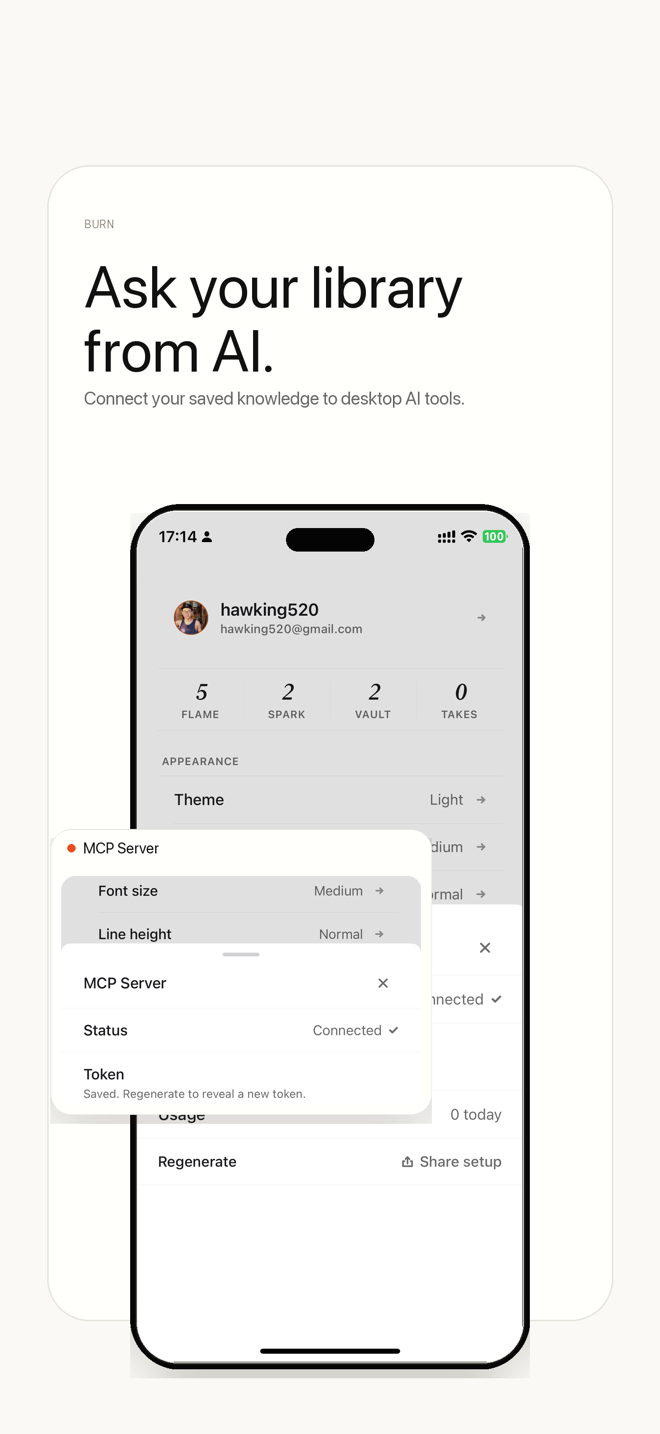
Yes. Burn ships a 26-tool MCP (Model Context Protocol) server on npm as burn-mcp-server. Connect it to Claude, Cursor, or Windsurf and your saved reading becomes live context — ask what you saved about a topic and get answers sourced from your own library. Readwise, Raindrop, and Karakeep also ship MCP servers now; Burn's covers the full save, triage, and vault lifecycle.
Vaults are hand-curated reading lists for AI thought leaders and operators — Karpathy, Simon Willison, Paul Graham, Naval Ravikant, Lenny Rachitsky, Swyx, Pieter Levels, and Tiago Forte. Each Vault organizes essays, posts, and transcripts by topic with AI summaries, auto-syncing as new content is published.