The best bookmark manager for teachers (2026)
Teachers don't have one bookmark problem — they have three. We checked what teachers actually recommend to each other on Reddit before writing this, and the answers weren't the usual listicle picks.
Job 1: sharing links with a class
We searched years of r/Teachers threads through a public archive before writing this section, and the census was one-sided: the tools teachers recommend to each other are Symbaloo (named more than any other tool, across a decade of threads) and Wakelet. Not the generic bookmark managers tech blogs list.
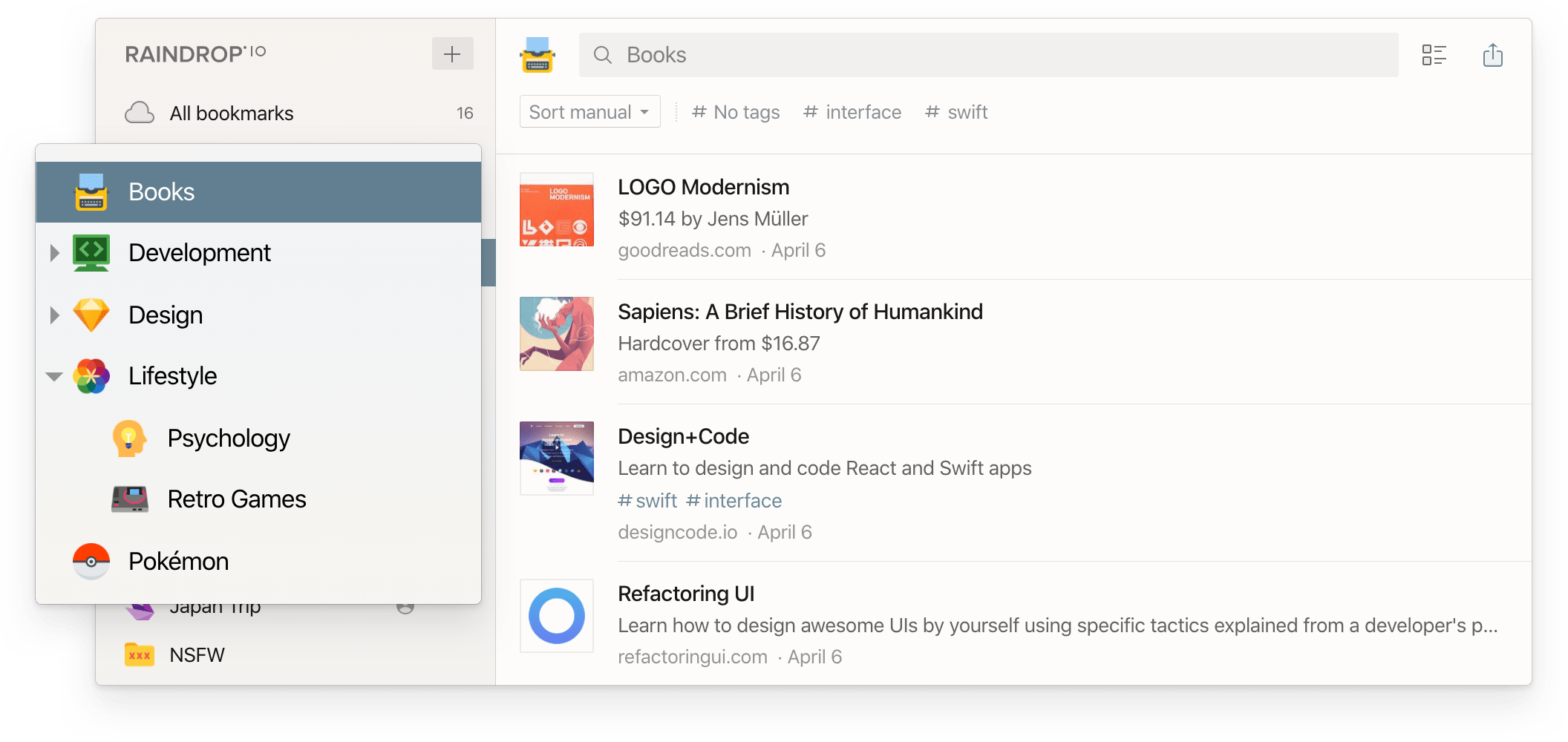
Where do the links get delivered? Usually Google Classroom — as one teacher describes their routine: "I'd record my lesson on video and put it in Google Classroom... I'd add links to whatever the assignment was" (u/LowBarometer, r/Teachers). Classroom is the delivery surface; a board or collection is where links live and get reused next semester. You need both.
Job 2: the lesson-prep archive — keep it out of the school browser
Browser bookmarks feel free until the day they aren't: a managed school Chromebook, a district policy change, a laptop swap over the summer. Two rules keep the archive safe:
- Web-based, not browser-based. Symbaloo, Wakelet, Raindrop, or Burn's Vault collectionsall survive a device change; a bookmarks bar doesn't.
- Exportable, always. Google Bookmarks shut down in 2021, Omnivore in 2024, and Pocket — used in classrooms for over a decade — in July 2025, with data export closed that November. Teachers who missed the window lost years of saved resources. The full timeline: the read-it-later app graveyard.
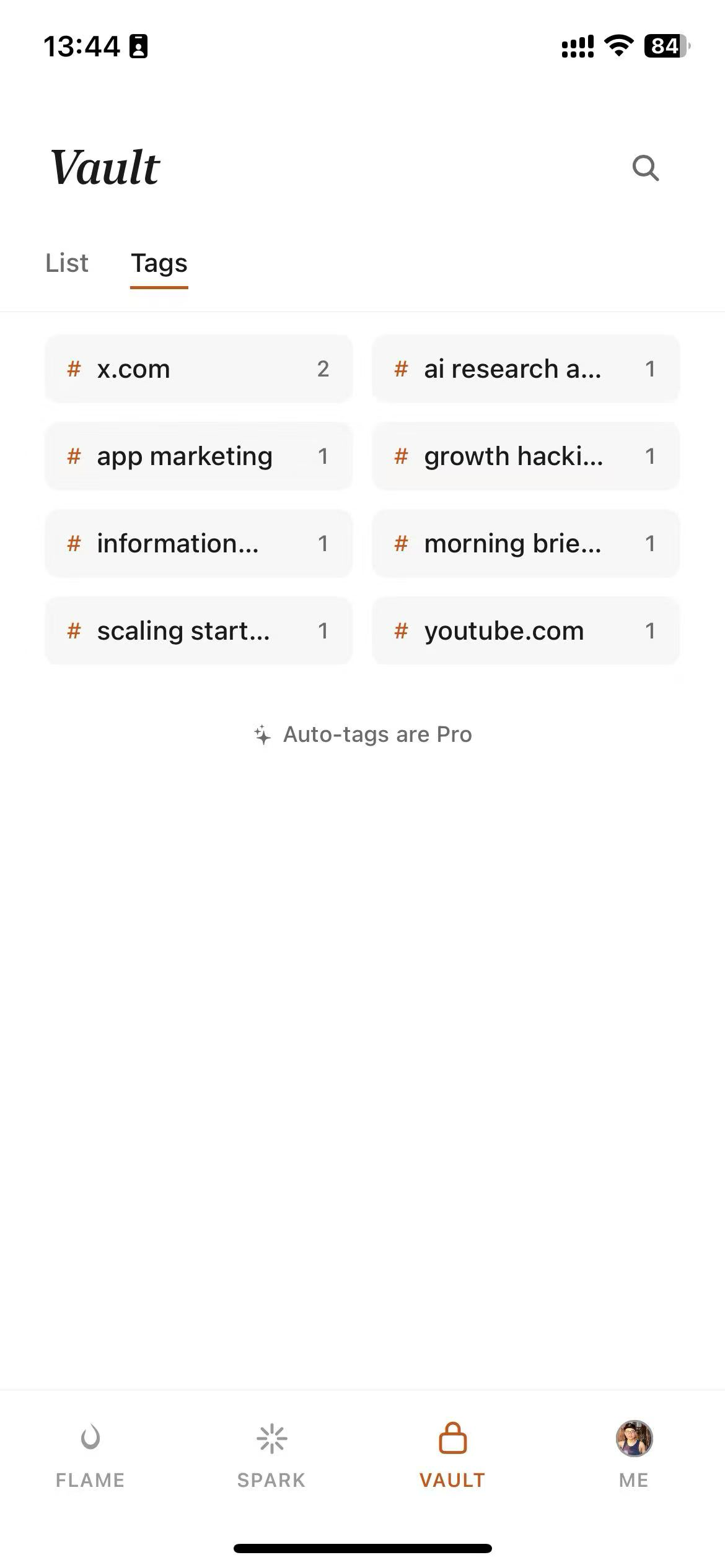
Job 3: your own reading pile — where Burn 451 is different
The PD articles, the subject news, the "you should read this" links from colleagues. This pile doesn't need better folders — research on bookmark behavior found only about 16% of bookmarks are ever revisited. It needs a forcing function.
Quick reference
| Job | Best pick | Free tier reality |
|---|---|---|
| Share class links with students | Symbaloo / Wakelet | Both free (Symbaloo shows ads); the tools teachers actually name on Reddit |
| One generalist tool for everything | Raindrop.io | Collections and sharing free; full-text search is Pro |
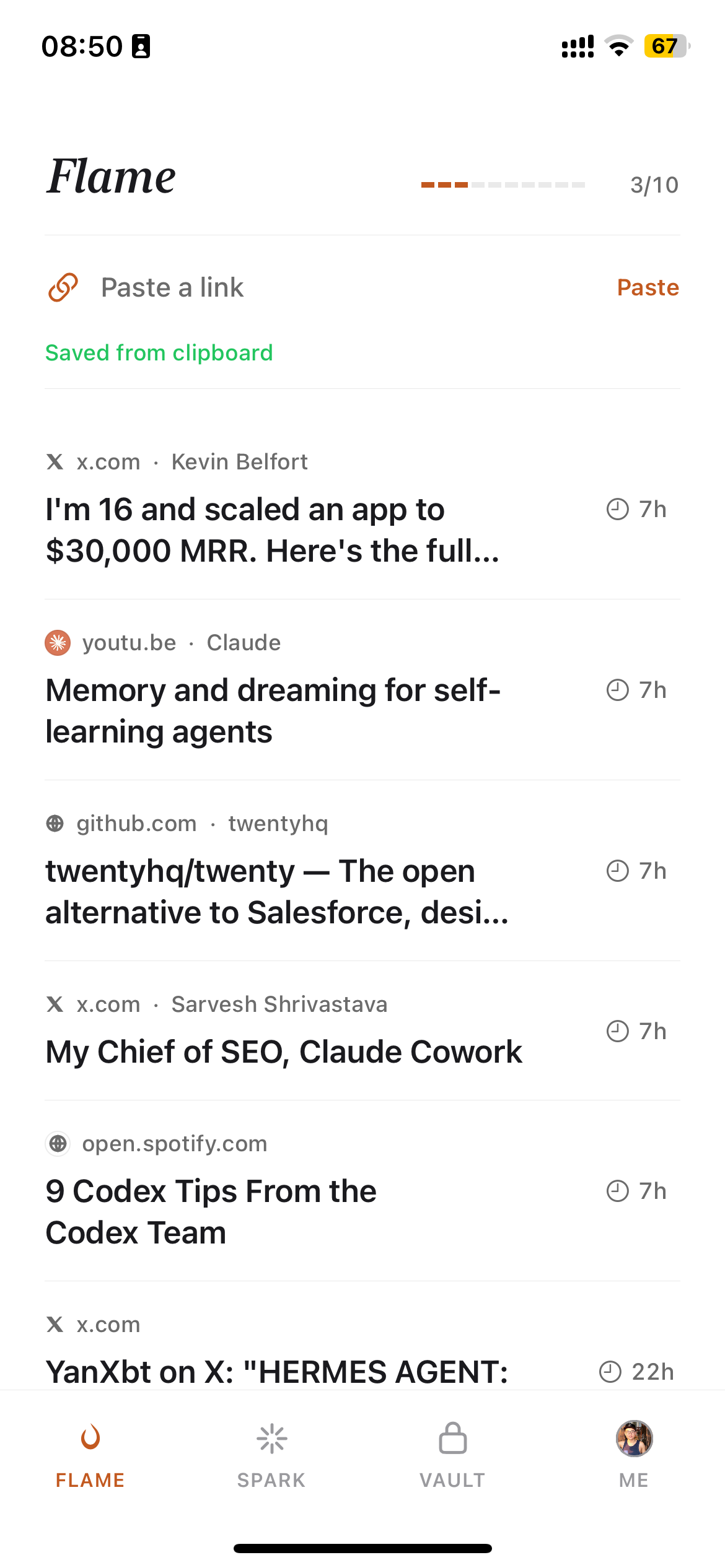
| Your own reading pile (PD, subject news) | Burn 451 | Free: 5 saves/day; AI summaries are Pro ($4.99/mo) |
| Just syncing school ↔ home browsers | Browser profile | Free and built-in — but tied to that browser, and to whoever manages it |
What we deliberately left off this list
- Pocket— shut down July 2025. If a "best for teachers" list still recommends it, the list is stale.
- Delicious, Google Bookmarks, Xmarks — all dead; see the graveyard before trusting any tool with a decade of class resources.
- Heavyweight PKM apps (Notion, Obsidian) — genuinely great for course design, but as bookmark managersthey add setup weight most teachers don't need. If you already live in one, keep using it.
FAQ
What is the best free bookmark manager for teachers?
It depends on the job. For sharing curated link collections with students, the tools teachers themselves recommend most on Reddit are Symbaloo (visual tile boards, free with ads) and Wakelet (folder collections with a Chrome extension, free). For your own professional reading pile, Burn 451's free tier (5 saves per day, iOS app, Chrome extension) adds the one thing no other tool has — a 24-hour read-or-burn deadline that keeps the pile from growing. Raindrop.io is the strongest general-purpose option if you want one tool that isn't education-specific.
How do I share a set of links with my whole class?
The pattern teachers converge on: one visual board or collection per unit, shared as a single URL in your LMS. Symbaloo does this as a tile grid ('like an iPhone home screen for my computer,' as one teacher puts it); Wakelet does it as folder-style collections with a save-from-Chrome extension. Both are free and need no student accounts. Google Classroom is where the links get delivered — but it's a delivery surface, not a place to organize and reuse them between semesters.
What happened to Pocket? I used it for years.
Mozilla shut Pocket down on July 8, 2025, and user data export ended on November 12, 2025. Teachers who kept years of saved lesson resources in Pocket and missed the export window lost them. It is the strongest recent argument for keeping an exportable copy of anything you would mind losing — a lesson the read-later category keeps teaching (Omnivore shut down in 2024, Google Bookmarks in 2021).
Is Burn 451 free for teachers?
Burn 451 has a free tier — 5 saves per day, the Spark inbox and Vault collections, a Chrome extension, and an MCP server for AI tools — with no time limit. AI features (AI Read summaries and full-text search) are part of Pro at $4.99/month with a 14-day trial. There is no separate education plan; for a teacher's daily professional reading, the free tier's 5 saves a day is usually enough. For bulk-archiving hundreds of class resources, Symbaloo, Wakelet, or Raindrop are the better fit — and we say so honestly.
How should I organize bookmarks across my school and home computers?
Two workable patterns. Pattern one: keep everything in a browser profile signed into your personal account (not the school-managed one), so bookmarks follow you but stay out of district admin scope. Pattern two — better for heavy savers — keep bookmarks in a dedicated web-based manager (Symbaloo, Wakelet, Raindrop, Burn) rather than the browser itself, so nothing is tied to any single machine, and a device swap or a managed-browser policy change can't take your library with it.